YOLOv8
on AXIS
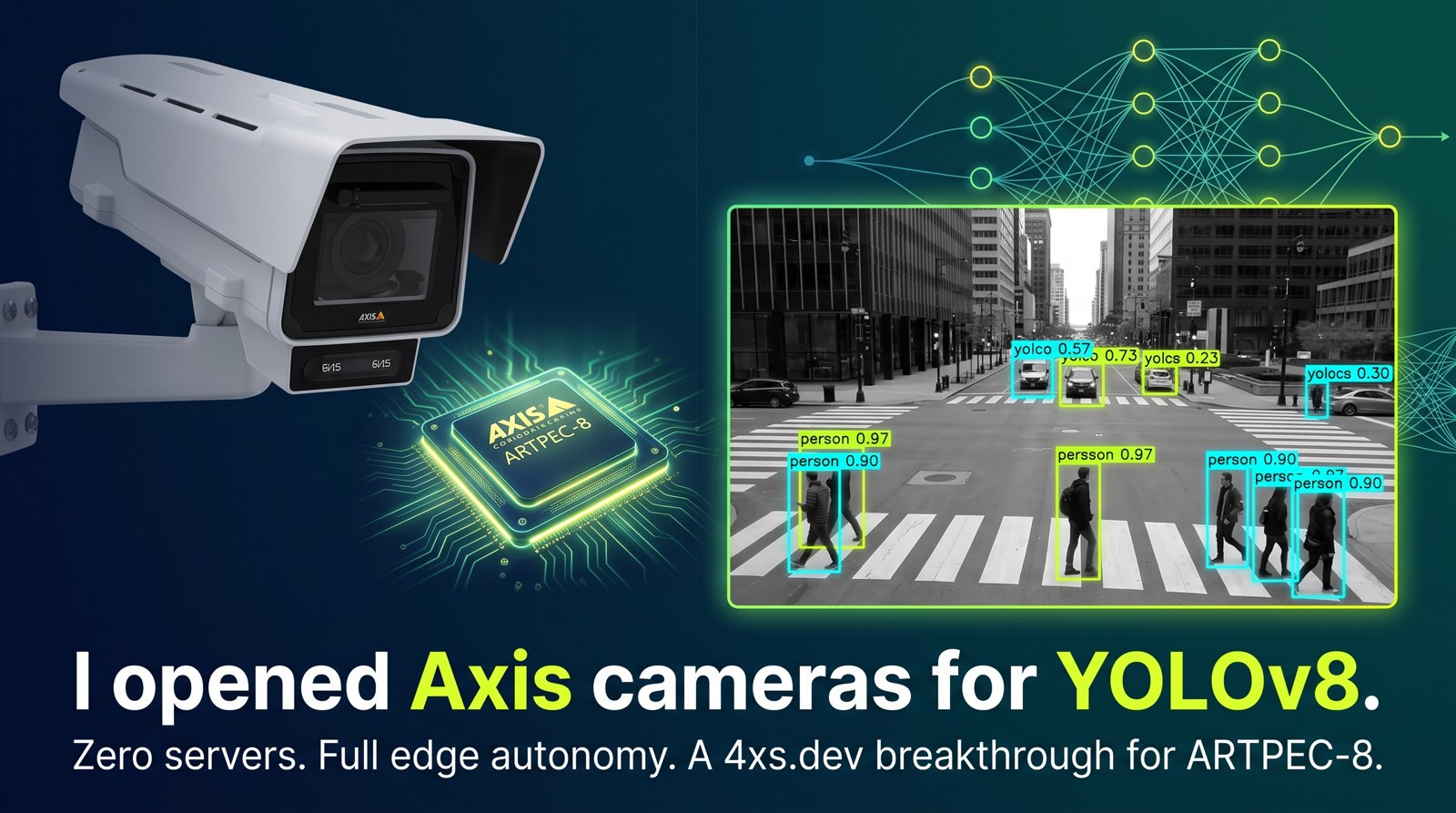
Stock COCO YOLOv8n running on the camera's own DLPU. 80 classes, on real hardware, no server, no cloud.
01 / What it is
Nothing leaves the camera.
An ACAP that loads a quantized YOLOv8n into larod on an AXIS Q1656, decodes the detection head on the camera's own CPU, draws bounding boxes on the live stream, and publishes detections as a native Axis camera event that any VMS can subscribe to.
It is a weekend project — me teaching an Axis camera a new trick, and pushing the envelope to find out where it breaks. Claude Code wrote most of the lines. The hardware, the domain judgement and the debugging are mine.
The point is the pipeline, not the class list: an arbitrary detector, quantized, running on the camera itself, with a settings UI and VMS events. Swapping in a model trained on something you actually care about is the interesting direction.
02 / What actually got measured
Numbers from the repo, not estimates.
Inference figures are from the 640×640 model on an AXIS Q1656.
axis-a8-dlpu-tfliteDecoding runs on a worker thread, so the loop is inference-bound rather than inference-plus-decode. The cost is one frame of lag between video and overlay, which is not visible at these rates.
03 / The aspect-ratio finding
Thirty points of recall from nothing but aspect ratio.
larod's convert preprocessor scales the frame to the model input
without letterboxing, so a square model sees a 16:9 scene squashed to about
56 % of its width — nothing like the photographs COCO was trained on.
Re-exported at 384×640 and scored against the float32 PyTorch model, on 28 images held out of both models' calibration sets, decoded exactly as the ACAP decodes:
| model | input | recall | false positives |
|---|---|---|---|
| square | 640×640 | 57.5 % | 19 |
| rectangular | 384×640 | 87.6 % | 11 |
| model | input | recall | false positives |
|---|---|---|---|
| square | 640×640 | 65.3 % | 16 |
| rectangular | 384×640 | 51.6 % | 9 |
The lesson is not that rectangular is better — it is that the model's aspect ratio has to match the sensor's, and that getting it wrong costs more than most of the tuning anyone bothers with. The rectangular model also uses 40 % fewer input pixels.
04 / The quantization trap
A model that silently detects nothing.
Worth knowing if you ever quantize a YOLOv8 yourself. Ultralytics' single
output0 concatenates box coordinates, which range 0..~650, with class scores,
which range 0..1. Per-tensor int8 quantization then picks one scale for both,
around 2.54. Every class score below ~1.27 rounds to zero, and the exported model detects
nothing at all — with no error anywhere.
| export | max score |
|---|---|
| float32 reference | 0.665 |
| single-output int8 | 0.000 |
| split-output int8 | 0.625 |
The fix is to cut the graph before the final Concat so boxes and scores become
two tensors with their own quantization scales. The ACAP tells them apart by byte size rather
than index, because larod does not guarantee output order.
05 / Which cameras
It does not travel as far as it looks.
The DLPU model format is not the same across Axis SoCs.
| SoC | DLPU model format | this repo |
|---|---|---|
| ARTPEC-8 | TFLite int8 | verified — AXIS Q1656, AXIS OS 12.11 |
| ARTPEC-9 | TFLite int8 | runs on ARTPEC-9 — first trial |
| ARTPEC-7 | TFLite int8 | untested, probably too slow |
| CV25 | Ambarella CVflow .bin | no — different toolchain |
| CV75 | proprietary, from ONNX | no |
If the device named in runOptions is absent, the app enumerates what larod does
offer and picks a DLPU device whose name also contains tflite, logs the
substitution and carries on. The tflite part matters: an ARTPEC-9 product offers
both a9-dlpu-native and a9-dlpu-tflite, and taking the first name
containing dlpu picked the native one, which rejected the model outright.
One evening on an AXIS Q6358. The same .tflite loads and
detects with no rebuild. It is slower — 5–10 fps against about 12.5 — and compiling the model
for the DLPU takes around 90 seconds. The first load after every start failed once and
succeeded on the retry, four times in a row, so the app now retries in place. And VDO numbers
its channels differently there: the overview is channel 1, with view areas from 2, so the view
area you pick on the settings page may not be the one you get. That last one is why this says
runs rather than verified.
CV25 and CV75 are a port, not a flag: they take a proprietary format converted through Ambarella's toolchain.
06 / What this is not
Read this part.
deepLearningProcessor.required, so AXIS Object Analytics must be stopped before
this app will start. You are trading AOA for this, not adding it.
- COCO is a photo dataset, not a surveillance dataset. It was trained on hand-held pictures, not on a camera at 4 m looking down a car park in the rain at 2 a.m. AOA is trained for that and will beat this comfortably on the classes it covers. The aspect-ratio numbers above show what a mismatch costs — and scene domain is a bigger mismatch than aspect ratio.
- Most of the 80 classes are useless on a camera. COCO includes toaster, hair drier and broccoli. Perhaps 15 of the 80 will ever fire meaningfully in a surveillance scene.
- No tracking, no scenarios, no counting, no calibration. Detections are per-frame. No line crossing, no time-in-area, no object identity across frames.
- The current model's speed is unmeasured. Only the 640×640 model has been timed on hardware. The 384×640 one should be faster; that is a prediction.
- Rotation 0 and 180 only. Tested at 90: the stream becomes portrait, larod squashes it into the landscape model input, and a standing person arrives as a smear. One frame found nothing; the next called a person an airplane at 26 %. The app warns. The fix is a portrait export, not a coordinate change.
- Tested on exactly one camera — an AXIS Q1656 on AXIS OS 12.11.
06b / On one view
Detect on a view area, not just the whole sensor.
A view area is a crop of the sensor, and the detector can run on one: a gate or a doorway fills the model input instead of occupying a tenth of it. The same number selects the frames and the surface the boxes are drawn on, so the picture and the detections cannot describe different crops.
AXIS Object Analytics always runs on the full view of the first sensor. This is one of the few places where a prototype can do something the built-in analytics does not.
Verified on a Q1656 with two view areas configured. A view the camera does not have falls back to the full view with a warning rather than exiting.
Colour says what a box is.
The camera's box drawer renders rectangles and no text, so colour carries the class: people green, vehicles blue, animals purple, everything else amber — the same four in the settings page's class list and confidence bars, so a box on the video and a row in the list are tied together. One flat colour is a setting for anyone who prefers it.
Labels on the boxes would need a Cairo render per frame. Not built: the colours carry most of the information for a fraction of the cost.
07 / Get it
Build it yourself.
An unsigned .eap is attached to the
latest release for
convenience. It is unsigned, it claims the DLPU exclusively, and it has been run on exactly
one camera — read the limitations above first. Building it yourself needs Docker and the
ACAP Native SDK image, and shows you exactly what you are installing.
git clone https://github.com/kotyzap/YOLOv8-on-AXIS-ACAP
cd YOLOv8-on-AXIS-ACAP
sh acap/build.sh

curl --digest -u root:PASS -F "packfil=@acap/YOLOv8_Detector_0_10_14_aarch64.eap" \
  "http://CAMERA/axis-cgi/applications/upload.cgi"
Re-export the model — different input size, different calibration set, your own weights —
with sh tools/export_yolov8.sh. The build refuses to run if the committed
quantization header and the model file have drifted apart.
Read the code. It includes
improvements.md, a full code review of this repo and what came of it.
08 / Licence
AGPL-3.0, and not by choice.
This repo ships a model derived from Ultralytics YOLOv8, which is AGPL-3.0, and Ultralytics reads that as covering the whole derivative work. To build something closed on top of this you need either an Ultralytics Enterprise licence or a different model — several good detectors are Apache-2.0. I am not a lawyer and this is not legal advice.
The ACAP skeleton derives from Axis's object-detection-yolov5 example
(Apache-2.0), which is one-way compatible into AGPL-3.0.