ACS Edge playback on physical keys.
Previous / next recording, play, frame back and forward, zoom, pan, tilt — every AXIS Camera Station Edge keyboard shortcut as a Stream Deck key. Web app or Windows client.
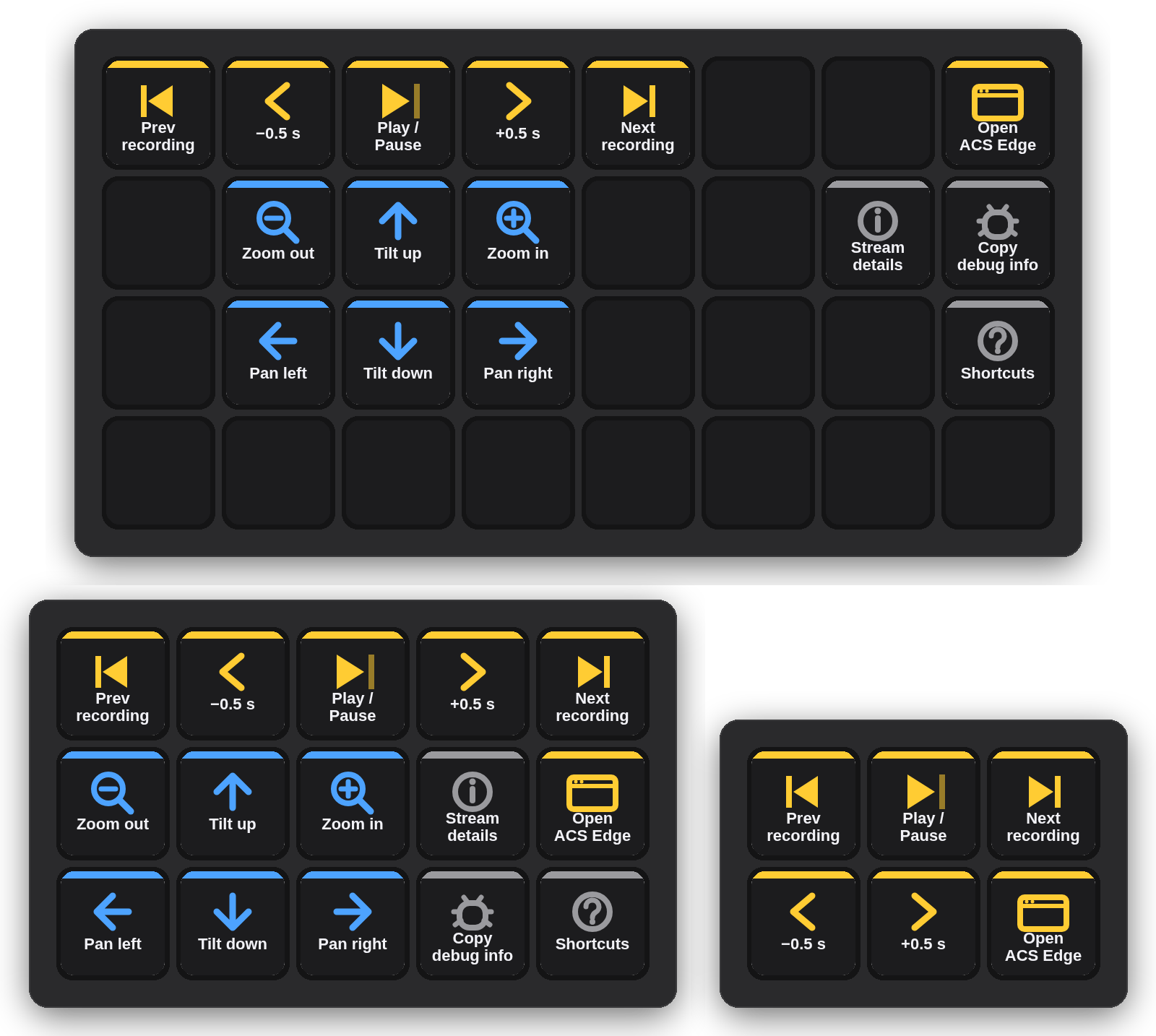
One shortcut per key.
The plugin adds a "Deck for AXIS Camera Station Edge" group to the Stream Deck action list. Command sends one ACS Edge shortcut — pick it in the key's settings and the key art follows. Open ACS Edge opens the web app or any URL you set.
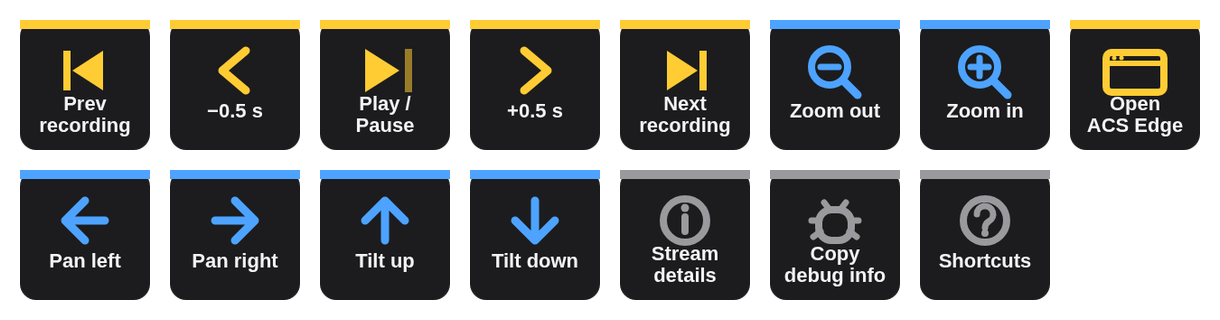
| Previous · Next recording | J · L — jump between recordings on the timeline. |
| Back · Forward 0.5 s | ← · → — step through a recording. |
| Play / Pause | Space |
| Zoom in · Zoom out | Ctrl + · Ctrl − — digital zoom in the view. |
| Pan left / right · Tilt up / down | Ctrl + arrow keys — PTZ in the Windows desktop client; the web app may ignore them. |
| Stream details · Copy debug info · Shortcuts | Ctrl I · Ctrl Alt D · ? |
| Open ACS Edge | Opens acs.mysystems.axis.com (or your own URL) — also the quickest way to bring the ACS Edge window to the front before pressing command keys. |
Mini, MK.2, XL — a profile for each.
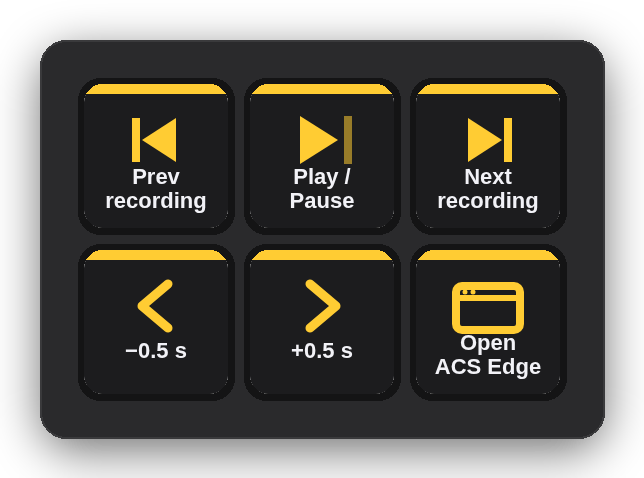
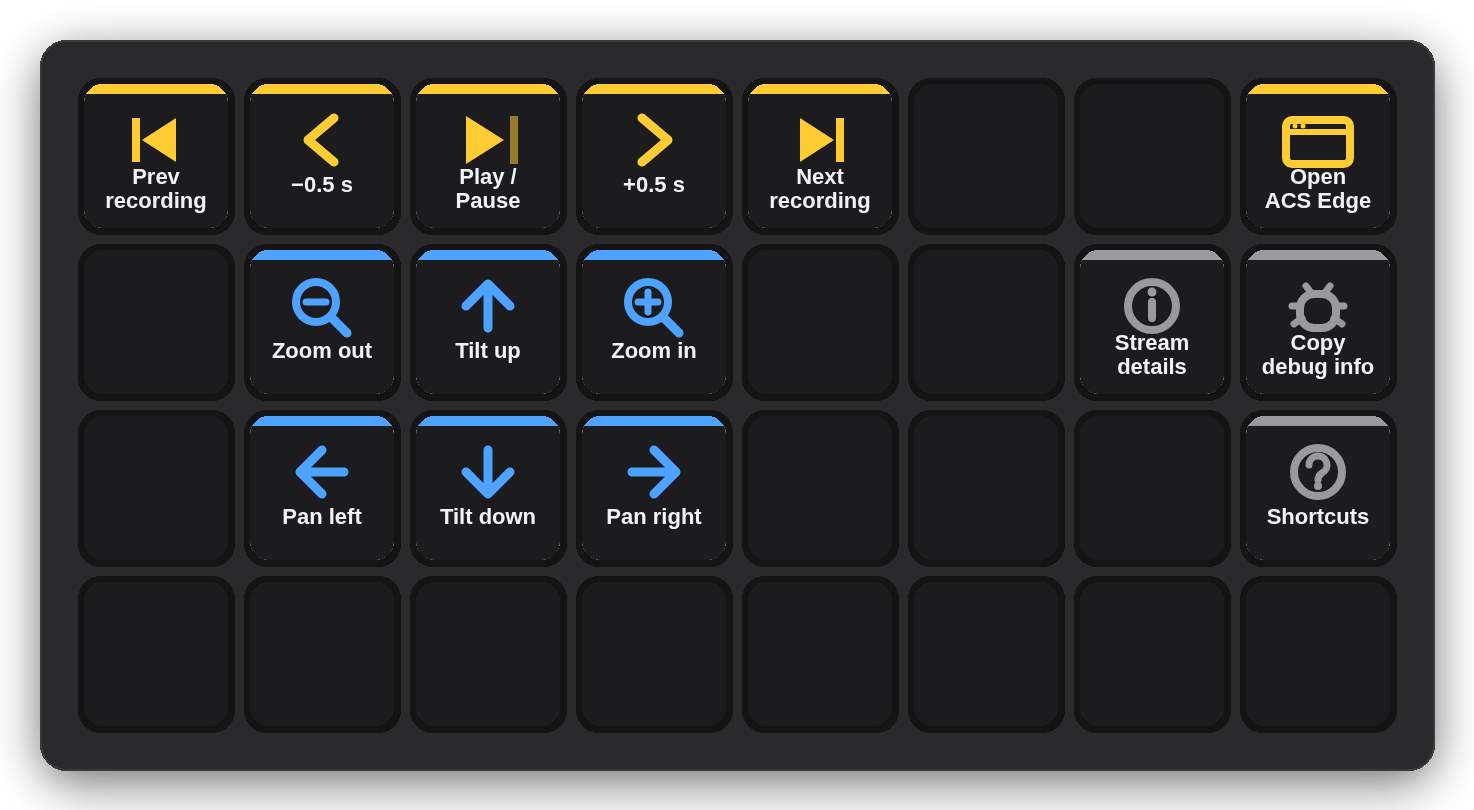
The installer carries three ready-made profiles — ACS Edge (MK.2, 5×3), ACS Edge Mini (3×2) and ACS Edge XL (8×4) — and Stream Deck installs only the one that matches your device. Playback essentials on the Mini; playback, PTZ cluster and view keys on the XL.
A key press becomes a keystroke.
No helper app, no network, nothing stored. The shortcut goes to whichever window is in front — exactly as if you had typed it.
Stream Deck plugin
Node.js, Elgato SDK v2. Reads the key's configured command.
Keystroke
macOS: System Events via osascript. Windows: SendKeys via PowerShell.
ACS Edge
The front window receives the shortcut — web app in your browser or the Windows desktop client.
Three steps, once.
Download and double-click
com.4xsdev.acs-edge.streamDeckPlugin — Stream Deck asks to install the plugin. It brings the actions and a ready profile for your deck (Mini, MK.2 or XL).
macOS only: Accessibility
The Stream Deck app needs Accessibility permission to send keystrokes. It already has it if you use Elgato's own Hotkey action; otherwise macOS asks once.
Switch to the ACS Edge profile
Or drag single Command keys onto your own profile and pick the shortcut in the inspector. Keep the ACS Edge window in front when pressing.
Other Stream Deck plugins.
Physical keys for the tools you already use. All free and open source.
Deck for Claude ↗
Answer permission prompts, replies, shortcuts & status for the Claude desktop app
Camera Deck for Axis & CamStreamer ↗
PTZ, presets, overlays and CamStreamer/CamSwitcher control for Axis cameras
Deck for AXIS Camera Station Pro & 5 ↗
Playback, cameras, PTZ presets and any hotkey for ACS 5 & Pro
Deck for Genetec Security Desk ↗
Playback, alarms, tiles, PTZ, doors and any camera by logical ID for Security Desk
Deck for Milestone XProtect ↗
Playback, evidence, PTZ, views and any camera or view by number for XProtect Smart Client