ACS 5 and ACS Pro on physical keys.
Play, previous / next recording, bookmark, live / recordings, next camera, PTZ presets — and every camera or view you map in AXIS Camera Station. For the AXIS Camera Station 5 and AXIS Camera Station Pro client — same hotkeys, one plugin. Windows natively; on a Mac through Parallels, VMware or Remote Desktop.
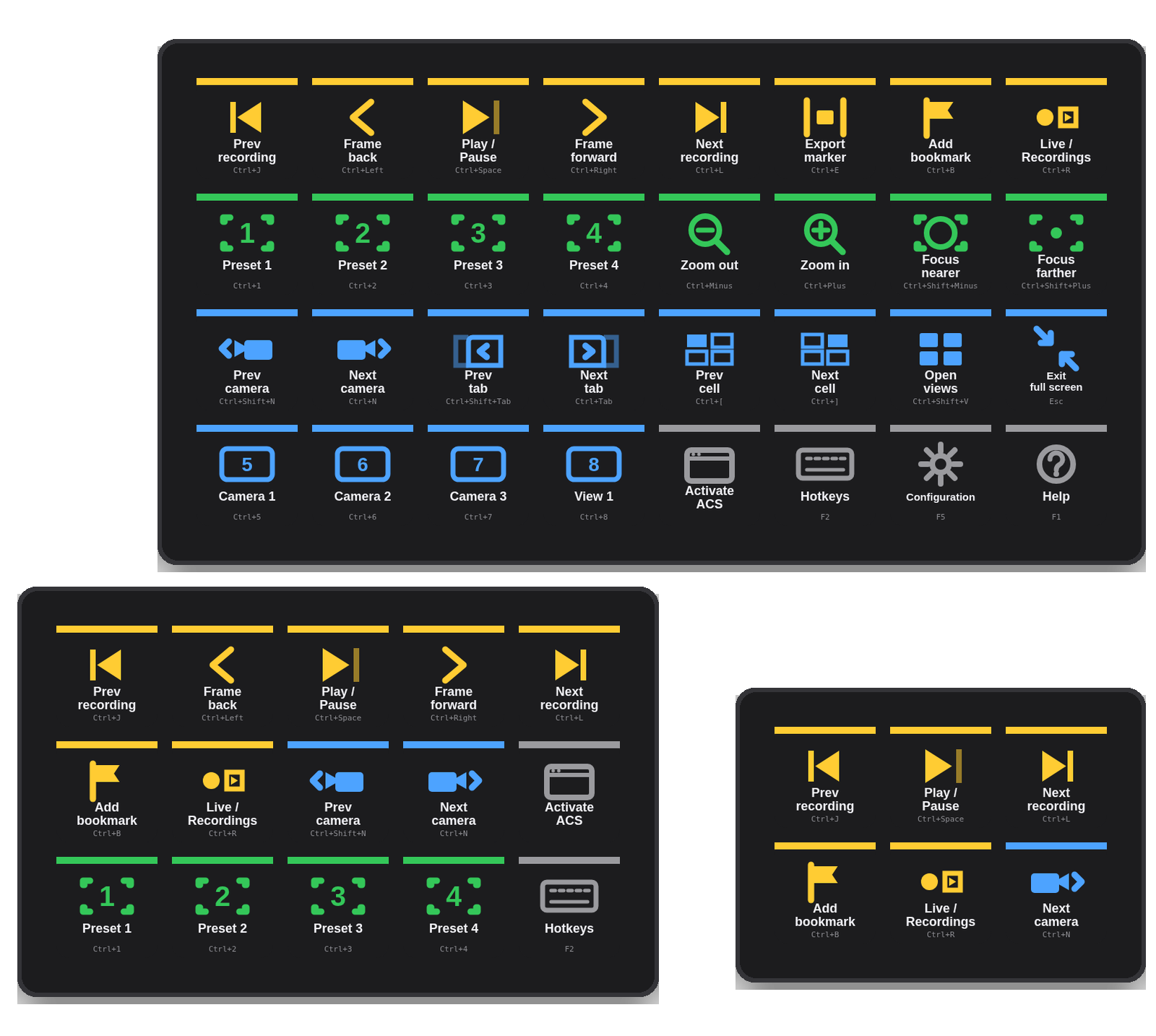
ACS runs on hotkeys you control.
AXIS Camera Station — 5 and Pro alike — is driven by keyboard hotkeys — F2 opens the Hotkeys tab where every action gets Ctrl + a key or F2–F12. Axis documents only a few defaults, and "navigate to camera / view" has none. The plugin embraces that:
Sent as Axis defines them
Zoom Ctrl + / −, Help F1, Hotkeys F2, Logs F4, Configuration F5, Auto focus F10, Exit full screen Esc.
Mirror once in ACS, or edit the key
Play/Pause Ctrl Space, Next recording Ctrl L, Bookmark Ctrl B… In ACS press F2, click the action's keyboard field, press the same combo. Or type your own combo into the key's Hotkey field.
Cameras, views, sequences
Map Ctrl 5 to "Navigate to camera: Lobby" in ACS, make an ACS Hotkey key "Lobby → Ctrl+5". A Stream Deck XL becomes a camera wall selector.
29 commands, a free hotkey, and Activate.
The plugin adds a "Deck for AXIS Camera Station Pro & 5" group to the Stream Deck action list.
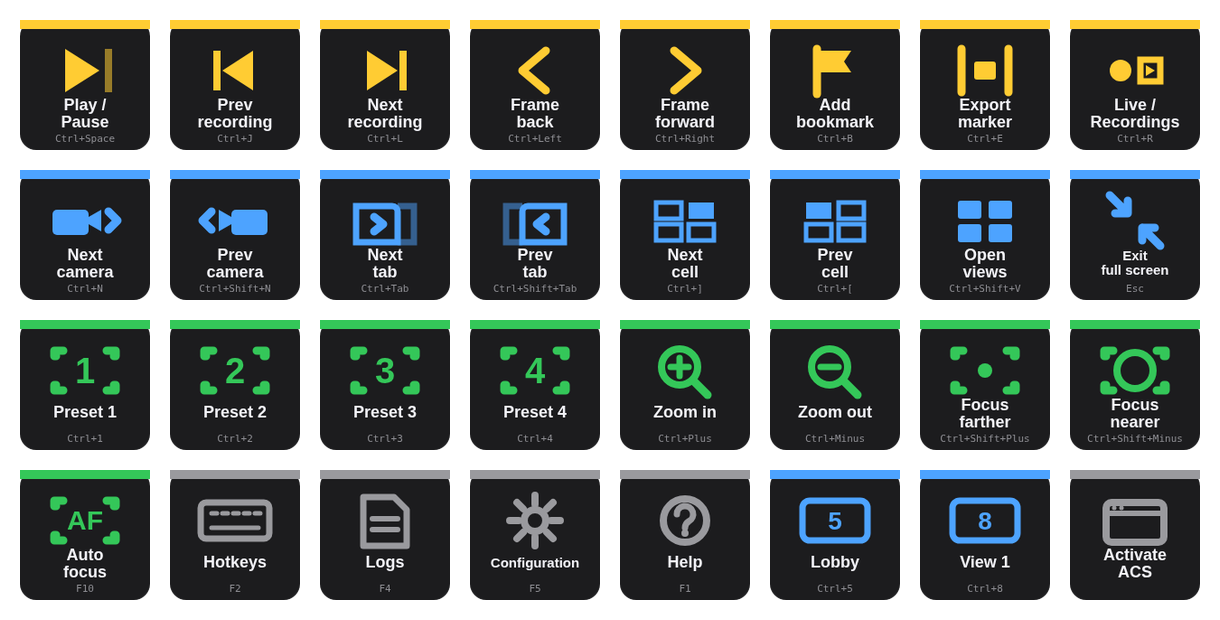
| ACS Command · Recordings | Play / pause · previous / next recording · frame step back / forward · add bookmark · export marker · switch live / recordings. |
| ACS Command · Navigation | Next / previous camera or view · next / previous tab · next / previous cell in split view · open views · exit full screen. |
| ACS Command · PTZ | Go to preset 1–4 · zoom in / out · focus farther / nearer · auto focus. |
| ACS Command · System | Hotkeys F2 · Logs F4 · Configuration F5 · Help F1. |
| ACS Hotkey | Any combo, your title, a colour — for everything you map yourself in ACS. |
| Activate ACS | Brings ACS to the front so the next hotkey lands in it — the client window on Windows, the hosting app (Parallels, VMware, Windows App) on a Mac. Chain it first in a Multi Action. |
Mini, MK.2, XL — a profile for each.
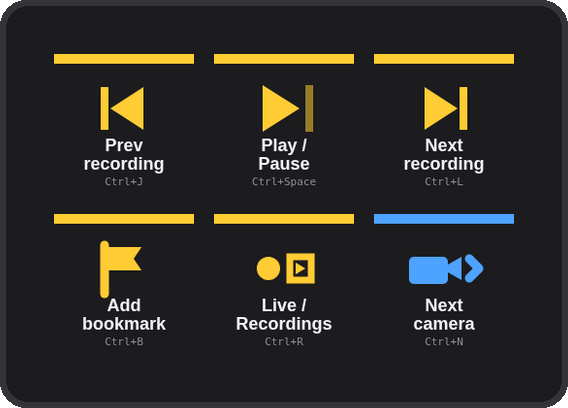
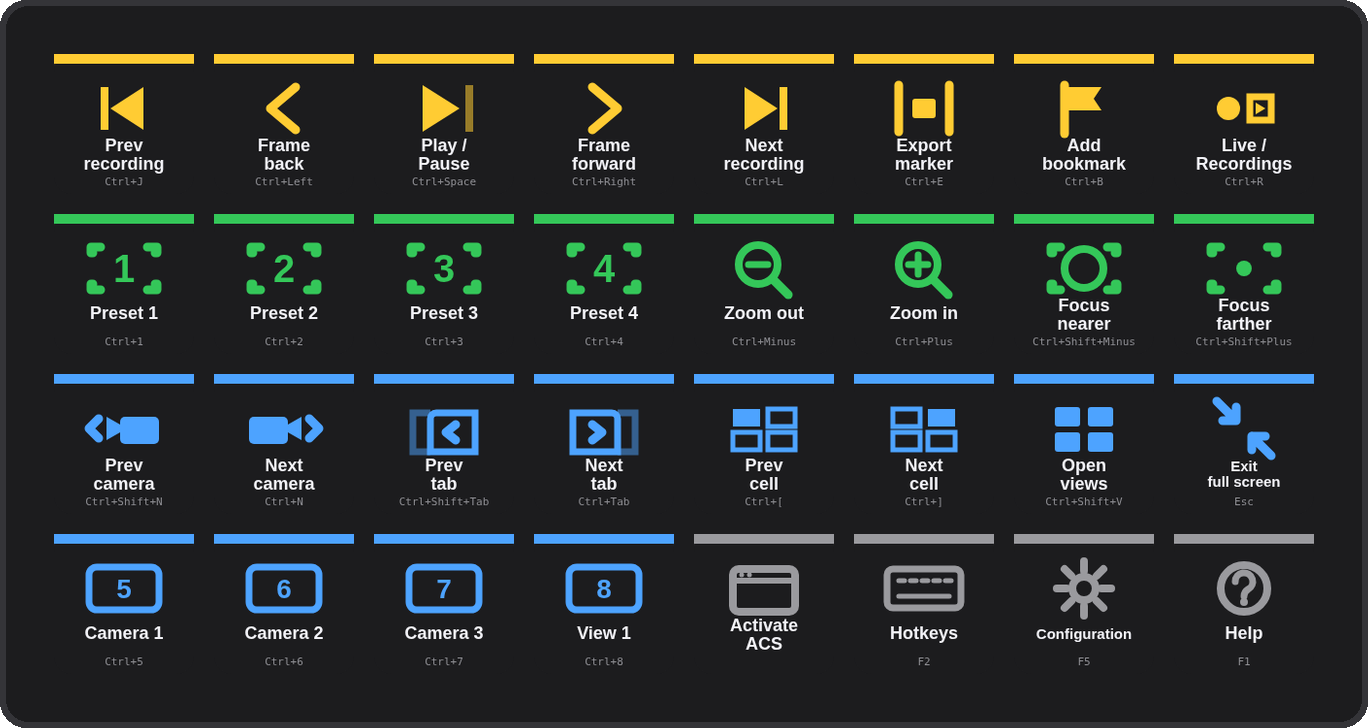
The installer carries three ready-made profiles — ACS Pro (MK.2, 5×3), ACS Pro Mini (3×2) and ACS Pro XL (8×4) — and Stream Deck installs only the one that matches your device. The XL's bottom row has four camera / view hotkey examples to rename.
Three steps, once.
Download and double-click
com.4xsdev.acs-pro.streamDeckPlugin — Stream Deck asks to install the plugin. It brings the actions and a ready profile for your deck (Mini, MK.2 or XL).
Mirror the combos in ACS
In the ACS client press F2. For each key you use, click the action's keyboard field and press the combo shown on the key — or edit the key to match what ACS already has.
Press Activate, then play
Hotkeys go to the front window. Press Activate ACS (or click into ACS) and the rest of the deck is live.
Other Stream Deck plugins.
Physical keys for the tools you already use. All free and open source.
Deck for Claude ↗
Answer permission prompts, replies, shortcuts & status for the Claude desktop app
Camera Deck for Axis & CamStreamer ↗
PTZ, presets, overlays and CamStreamer/CamSwitcher control for Axis cameras
Deck for AXIS Camera Station Edge ↗
Recording playback, PTZ and view controls for ACS Edge
Deck for Genetec Security Desk ↗
Playback, alarms, tiles, PTZ, doors and any camera by logical ID for Security Desk
Deck for Milestone XProtect ↗
Playback, evidence, PTZ, views and any camera or view by number for XProtect Smart Client