Your Axis camera on physical keys.
PTZ presets, guarded tours, CamStreamer streams, CamOverlay widgets, CamSwitcher views and camera optics — on a Stream Deck, straight from the camera. Every key repaints itself to show what's actually on air.
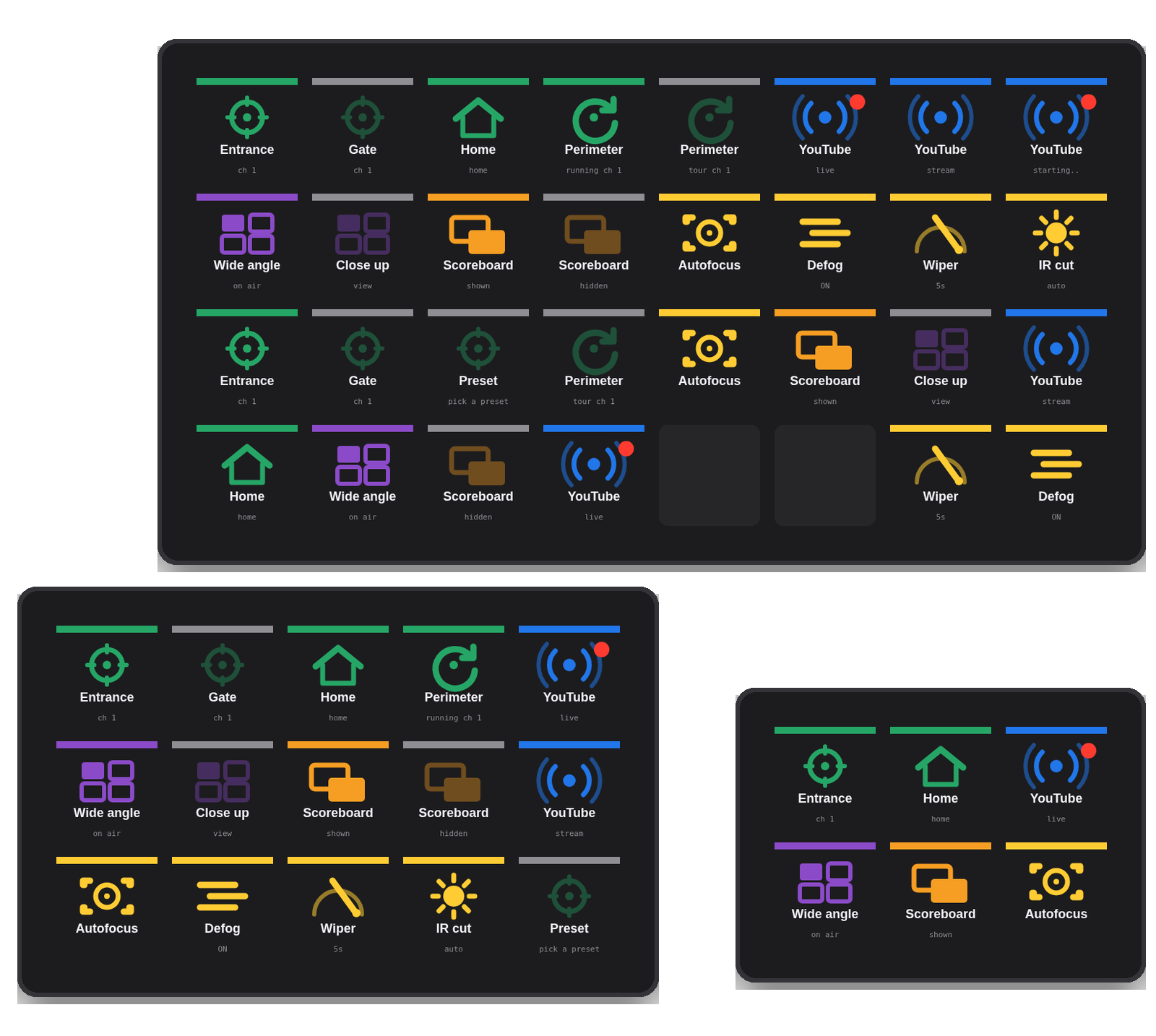
Drag what you need — keys that know their state.
Each action's Property Inspector reads the live catalog from the camera (presets, streams, widgets, views) and offers a dropdown — you never type a CGI URL. Stream and switcher keys poll the camera and repaint themselves.
| PTZ Preset | Go to a server preset (or Home). Lit as a radio group per camera and view area. |
| AXIS Guarded Tour | Start / stop a Guarded Tour; shares the PTZ radio group with presets, reflects the running state. |
| CamStreamer Stream | Start / stop a stream. Shows “Starting…”, then a solid red tally dot while live — broadcast convention, so you always know your output state. |
| CamOverlay Widget | Show / hide a CamOverlay Custom Graphic; key lit while the widget is visible. |
| CamSwitcher Source | Switch to a CamSwitcher view; the view on air stays bright and the others dim. |
| Cam Control | Camera optics — one-push autofocus, defog (on/off/toggle), timed wiper with an on-key countdown, IR-cut filter (on/off/auto). Fixed and PTZ cameras via automatic endpoint fallback. |
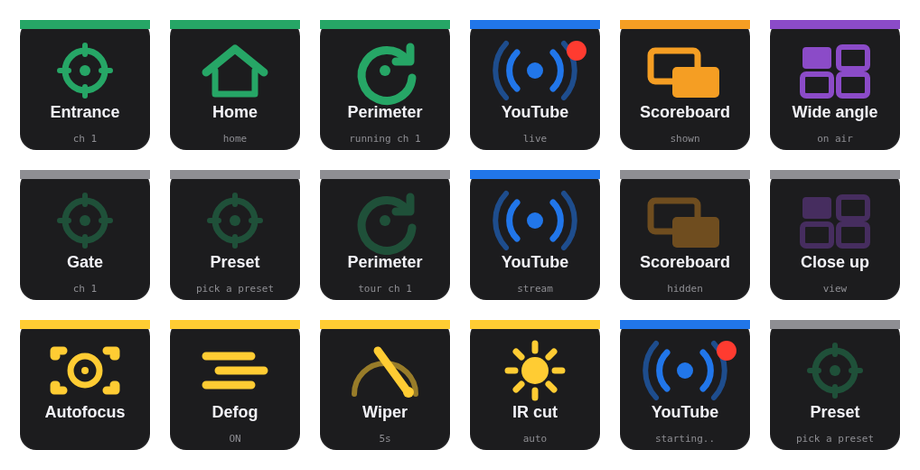
Straight to the camera.
No cloud and no middle-man service — the plugin speaks the camera's own HTTP APIs over digest authentication on your LAN. The camera is the single source of truth.
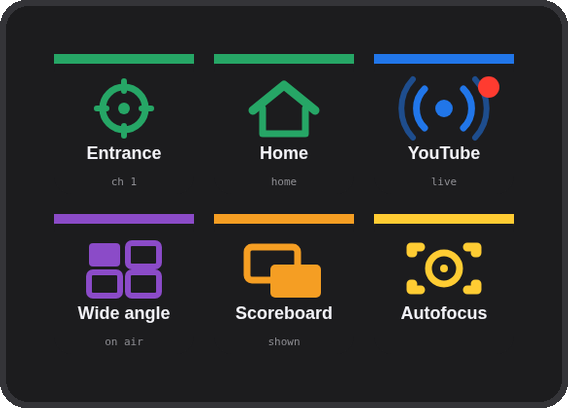
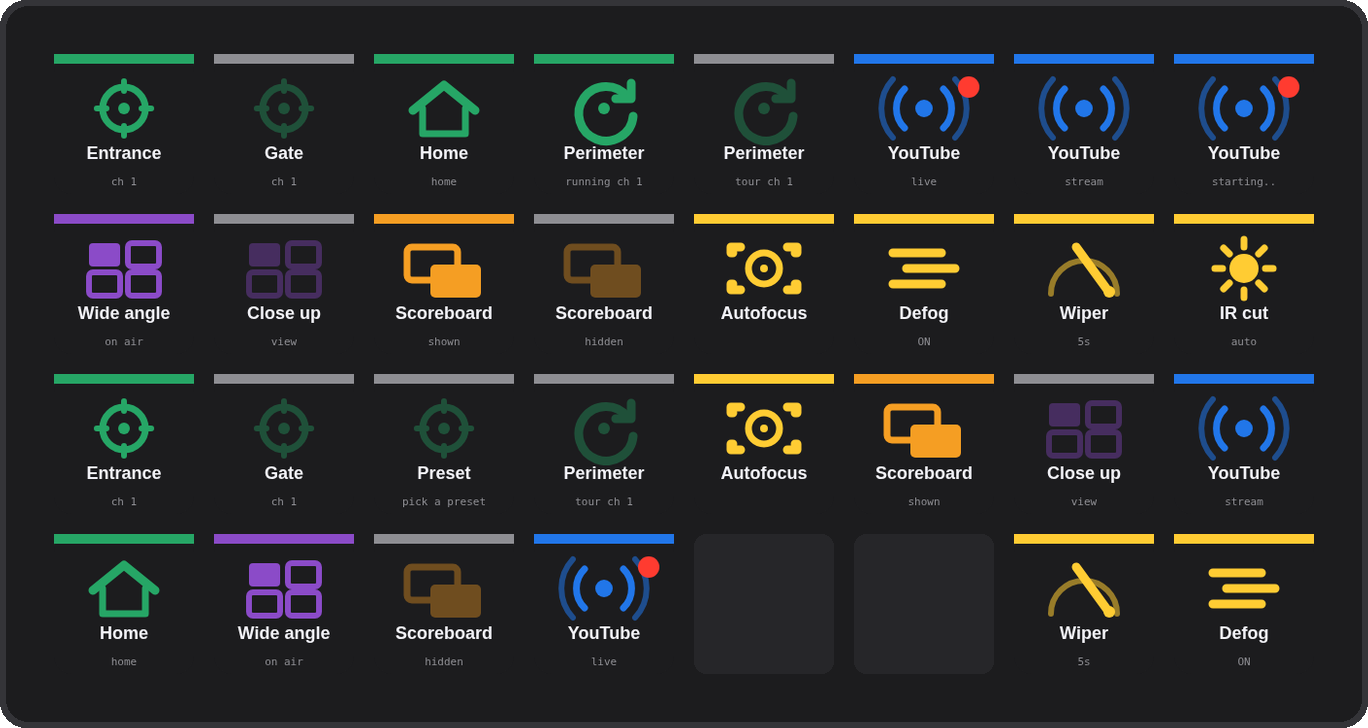
Mini, MK.2, XL — build your own layout.
All six are keypad actions, so they work on a Stream Deck Mini, MK.2, XL, Neo and the keys of a Stream Deck +. The plugin ships actions only — no profiles are installed and nothing is overwritten; the layouts below are examples to copy.
Three steps.
Download and double-click
com.4xsdev.axis-gateway-kofi.streamDeckPlugin — Stream Deck installs the Camera Deck for Axis & CamStreamer action group. No profile is added — your existing layouts stay as they are.
Enter the camera
Set the camera IP, user and password once in the plugin's settings (digest auth, LAN). CamStreamer / CamOverlay / CamSwitcher actions need those ACAPs installed on the camera.
Add keys
Drag an action onto a key and pick a preset, stream, widget or view from the dropdown — read live from the camera. Stream and view keys then show their state.
Other Stream Deck plugins.
Physical keys for the tools you already use. All free and open source.
Deck for Claude ↗
Answer permission prompts, replies, shortcuts & status for the Claude desktop app
Deck for AXIS Camera Station Edge ↗
Recording playback, PTZ and view controls for ACS Edge
Deck for AXIS Camera Station Pro & 5 ↗
Playback, cameras, PTZ presets and any hotkey for ACS 5 & Pro
Deck for Genetec Security Desk ↗
Playback, alarms, tiles, PTZ, doors and any camera by logical ID for Security Desk
Deck for Milestone XProtect ↗
Playback, evidence, PTZ, views and any camera or view by number for XProtect Smart Client