Security Desk on physical keys.
Play, frame step, bookmark, instant replay, acknowledge the alarm, maximize the tile, unlock the door, hot actions — Genetec Security Desk's own shortcuts on a Stream Deck, plus any camera by logical ID. Windows natively; on a Mac through Parallels, VMware or Remote Desktop.
69 documented shortcuts, one key each.
Security Desk ships with a documented set of default keyboard shortcuts. Every Command key sends one of them to the front window, so the bundled profiles work on a stock installation. If your site changed them (Options → Keyboard shortcuts), type yours into the key. Every key prints the shortcut it sends.
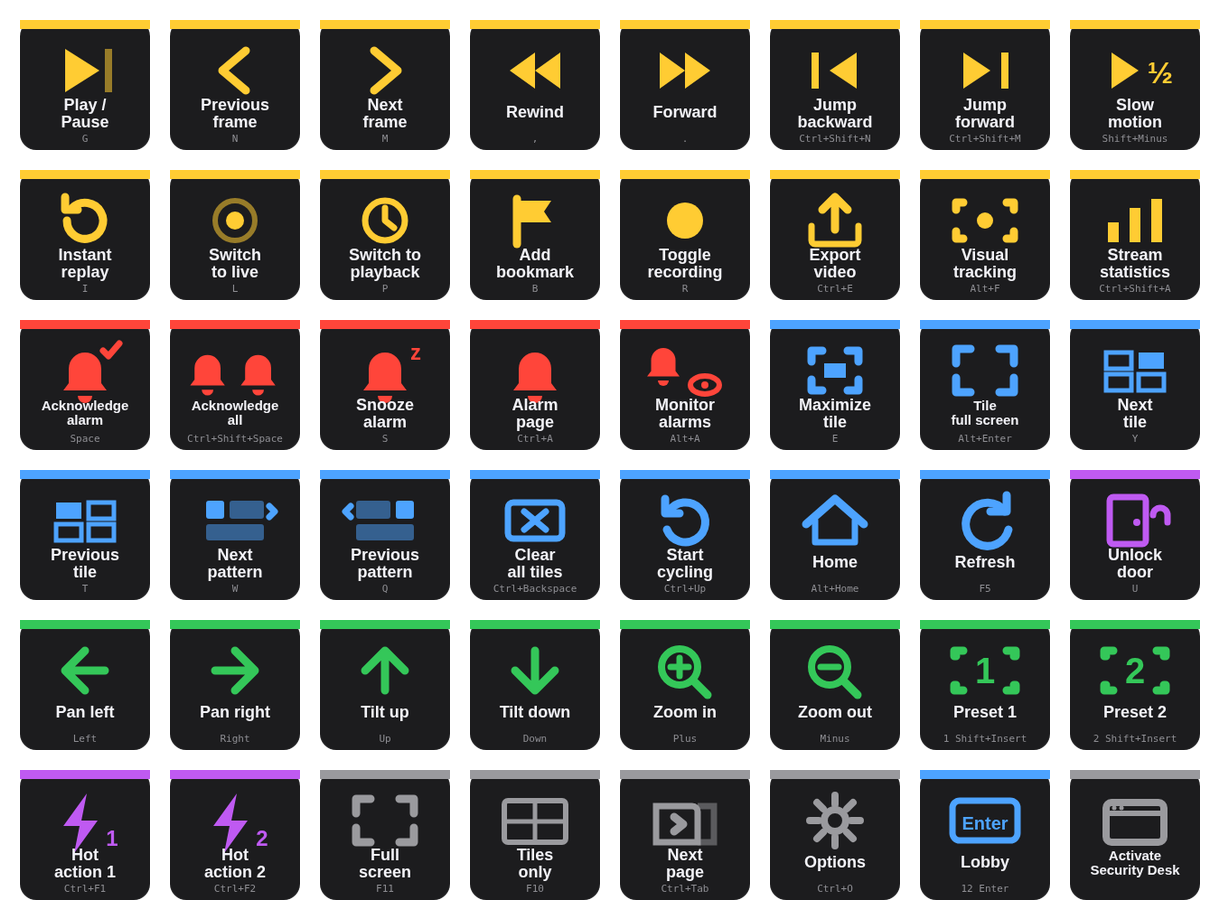
| Camera | Play / pause G · previous / next frame N M · rewind / forward , . · jump backward / forward · slow motion · instant replay I · live L / playback P · bookmark B · toggle recording R · export Ctrl E · visual tracking · stream statistics. |
| Alarms | Acknowledge Space · acknowledge all · snooze S · alarm page Ctrl A · monitor alarms in tile. |
| Tiles | Maximize E · tile full screen Alt Enter · next / previous tile Y T · next / previous pattern W Q · clear all · back / forward / home · start cycling, next / previous in cycle · refresh F5. |
| PTZ | Pan and tilt (arrows) · zoom + − · presets 1–4 (n Shift Insert). |
| Doors · Hot actions | Unlock U, unlock all · hot actions 1–10 Ctrl F1–F10 — the slots Security Desk lets you bind to anything. |
| General | Full screen F11 · tiles only F10 · canvas / report F9 · controls F7 · selector F6 · next / previous page · home page · saved tasks · options · auto lock · help. |
| Activate Security Desk | Brings the client to the front so the next shortcut lands in it — the window on Windows, the hosting app (Parallels, VMware, Windows App) on a Mac. Chain it first in a Multi Action. |
Any camera, one press.
Security Desk displays an entity when you type its logical ID and press Enter. The Hotkey key sends exactly that sequence: title "Lobby", shortcut 12 Enter, and the camera lands in the selected tile. Same trick for camera sequences (7 Ctrl+Enter) and PTZ presets (3 Shift+Insert). Thirty-two keys on an XL, thirty-two cameras.
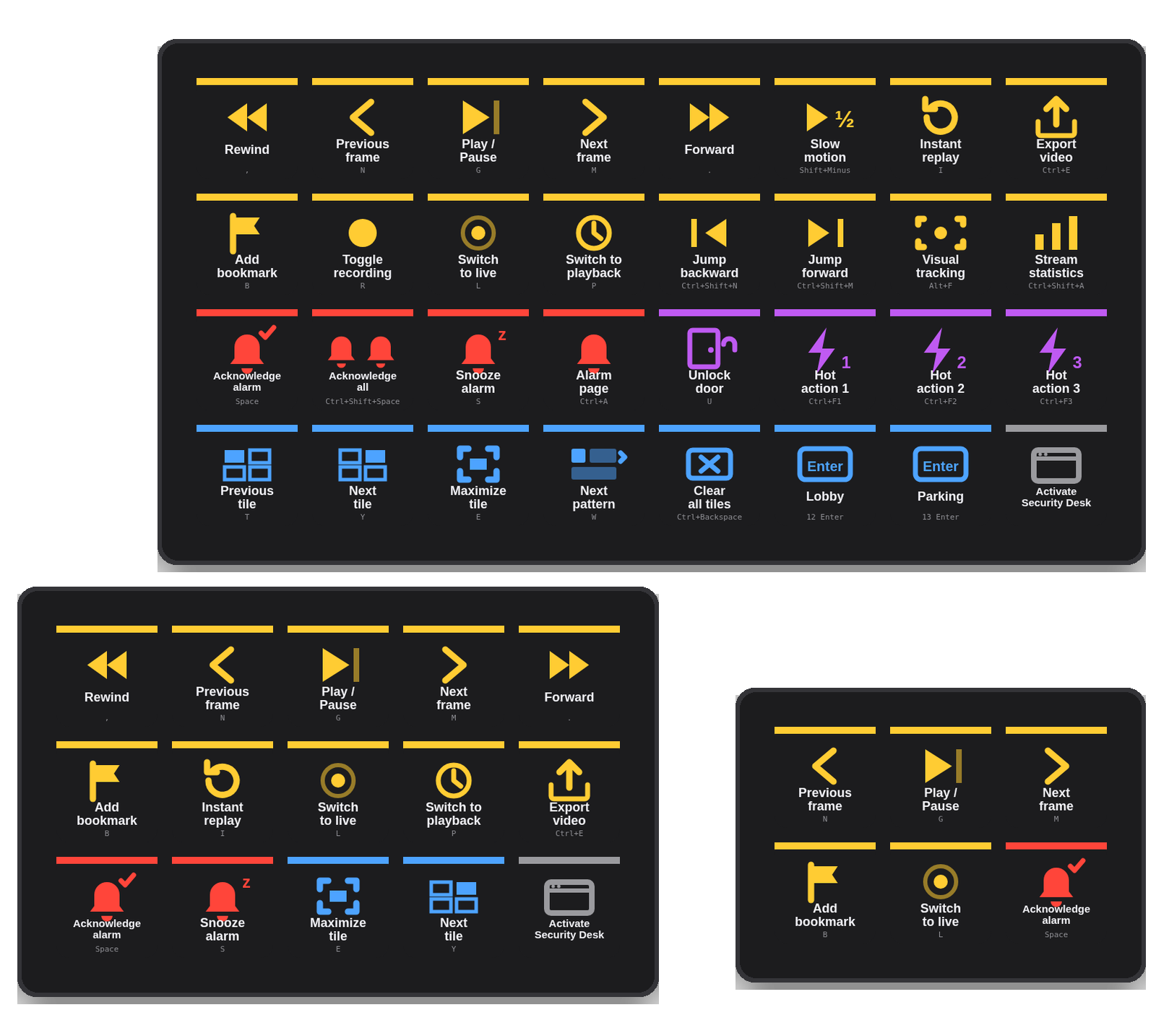
Mini, MK.2, XL — a profile for each.
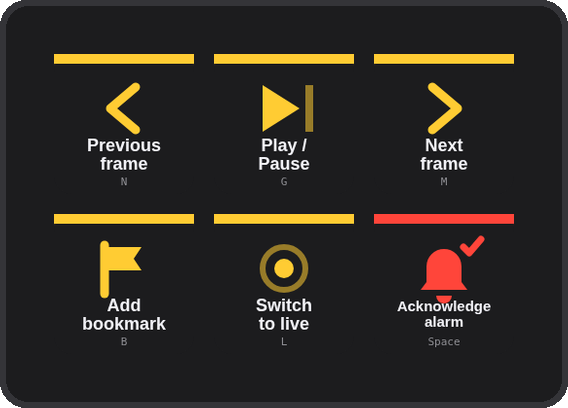
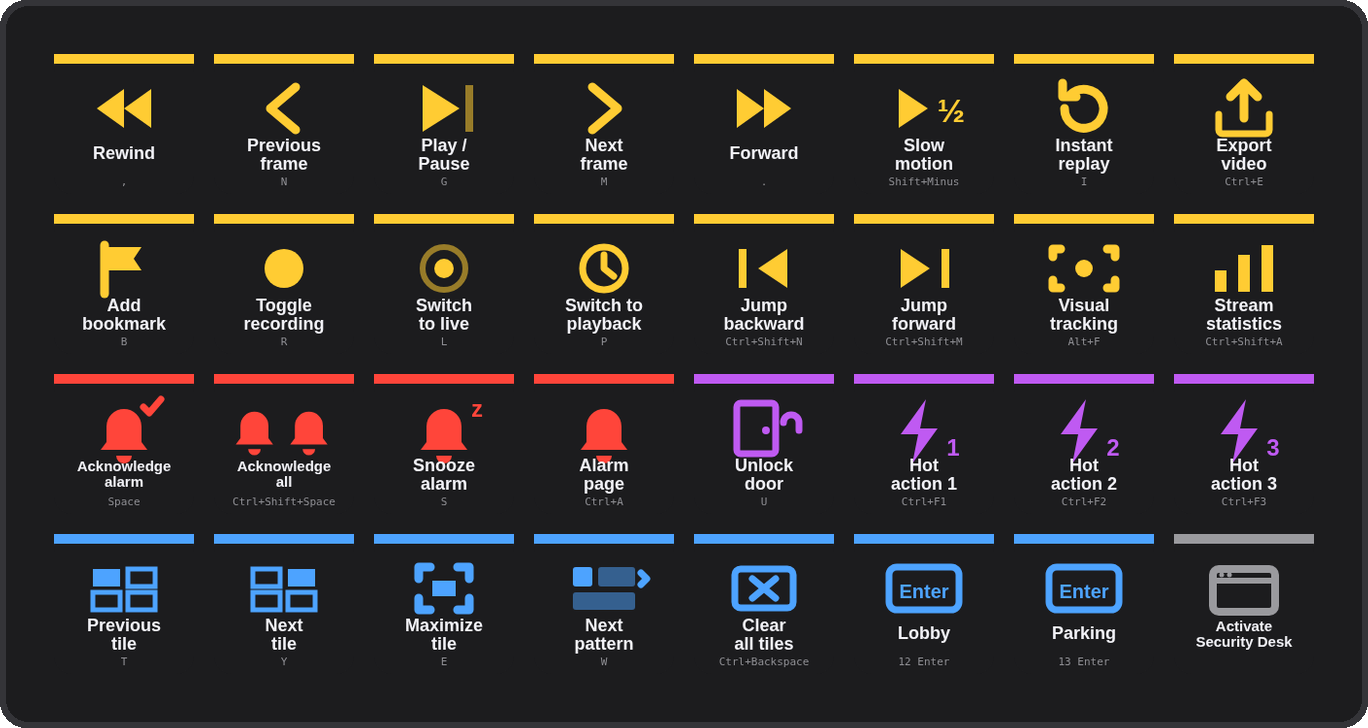
The installer carries three ready-made profiles — Security Desk (MK.2, 5×3), Security Desk Mini (3×2) and Security Desk XL (8×4) — and Stream Deck installs only the one that matches your device. The XL carries two camera examples (Lobby, Parking) to rename to your own logical IDs.
Two steps, once.
Download and double-click
com.4xsdev.genetec-sd.streamDeckPlugin — Stream Deck asks to install the plugin. It brings the actions and a ready profile for your deck (Mini, MK.2 or XL).
Press Activate, then go
Shortcuts go to the front window. Press Activate Security Desk (or click into it) and every key works on a stock installation — no configuration in Security Desk.
Optional
Rename the camera keys to your logical IDs; if your site customised shortcuts, type them into the affected keys. Mac: Stream Deck needs Accessibility permission once.
Other Stream Deck plugins.
Physical keys for the tools you already use. All free and open source.
Deck for Claude ↗
Answer permission prompts, replies, shortcuts & status for the Claude desktop app
Camera Deck for Axis & CamStreamer ↗
PTZ, presets, overlays and CamStreamer/CamSwitcher control for Axis cameras
Deck for AXIS Camera Station Edge ↗
Recording playback, PTZ and view controls for ACS Edge
Deck for AXIS Camera Station Pro & 5 ↗
Playback, cameras, PTZ presets and any hotkey for ACS 5 & Pro
Deck for Milestone XProtect ↗
Playback, evidence, PTZ, views and any camera or view by number for XProtect Smart Client